
Help / Connect an existing website
Connect an existing website
Keep your current site and hosting — add Workroom analytics and enquiries on top.
Happy with the website you already have? You don't need to rebuild it. Connect it to Workroom for analytics and lead capture while your site stays exactly where it is hosted. Workroom never touches your hosting; recurring growth routines are coming soon.
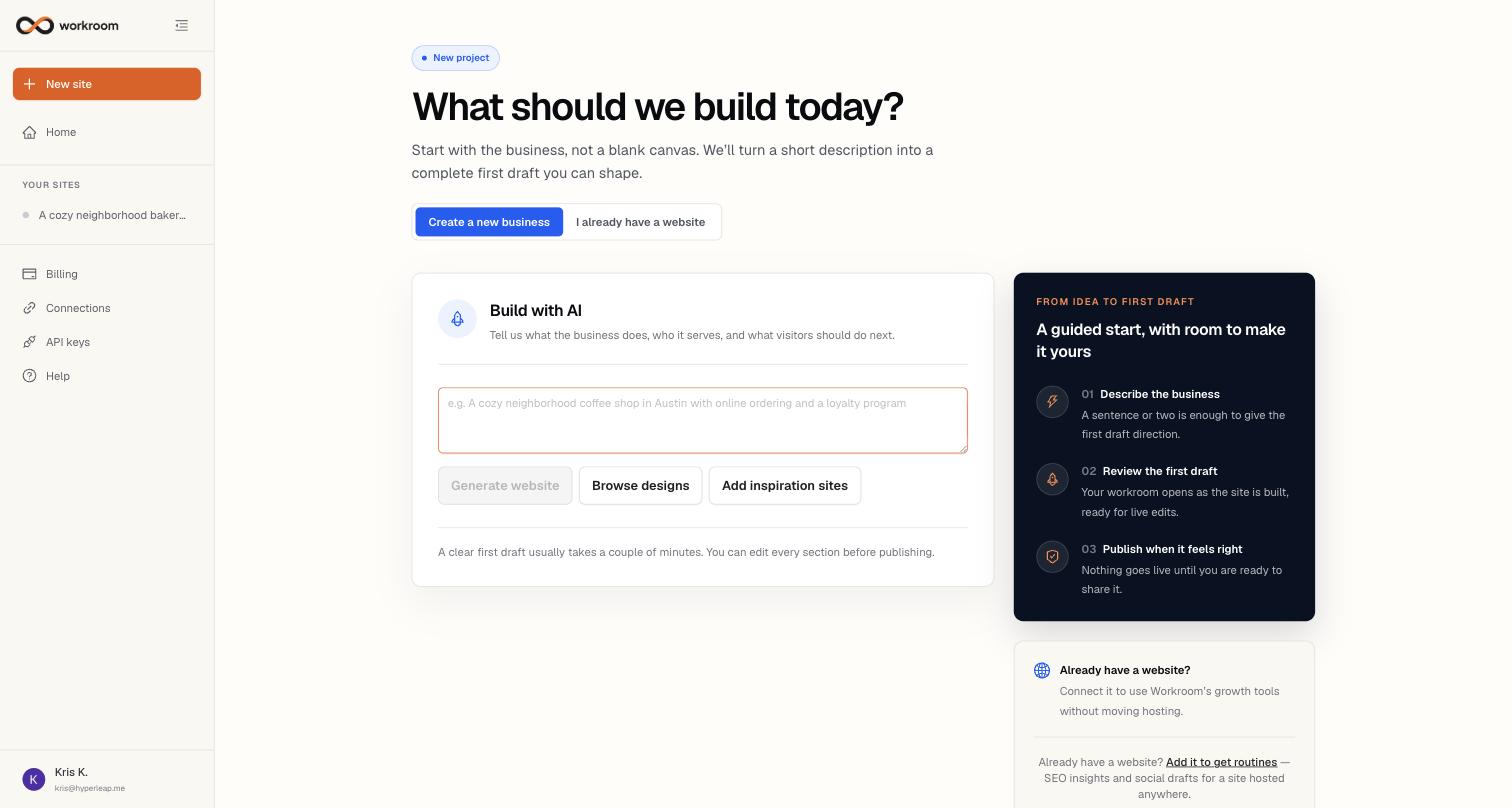
Connecting your site
- Click New site, then I already have a website.
- Enter your site's address (e.g. yourwebsite.com) and click Add site. Workroom researches the business and prepares the connected-site workspace.
- To light up analytics and lead capture, open Settings and copy the tracking snippet — one small script tag — and paste it into your website just before the closing </body> tag (or hand it to whoever manages your site).
- The snippet's status flips to Receiving data once visits start arriving.
What connected sites get
Connected sites show AI CRM, Analytics, a preview of coming-soon Routines, and Settings. Build, Designs, and Domains stay hidden because those apply only to sites Workroom hosts.