
Help / Refresh an existing website
Refresh an existing website
Paste your current site's address and get its core pages rebuilt with a modern design — your content kept.
Have a website that works but looks its age? A refresh rebuilds it as a brand-new Workroom site. Workroom reads your current site's core pages — the homepage plus up to four others such as services, about, pricing, or contact — and rebuilds them (five pages at most) with a new design, keeping your real business name, offers, prices, contact details, and any copy worth keeping. Everything else is rewritten and redesigned.
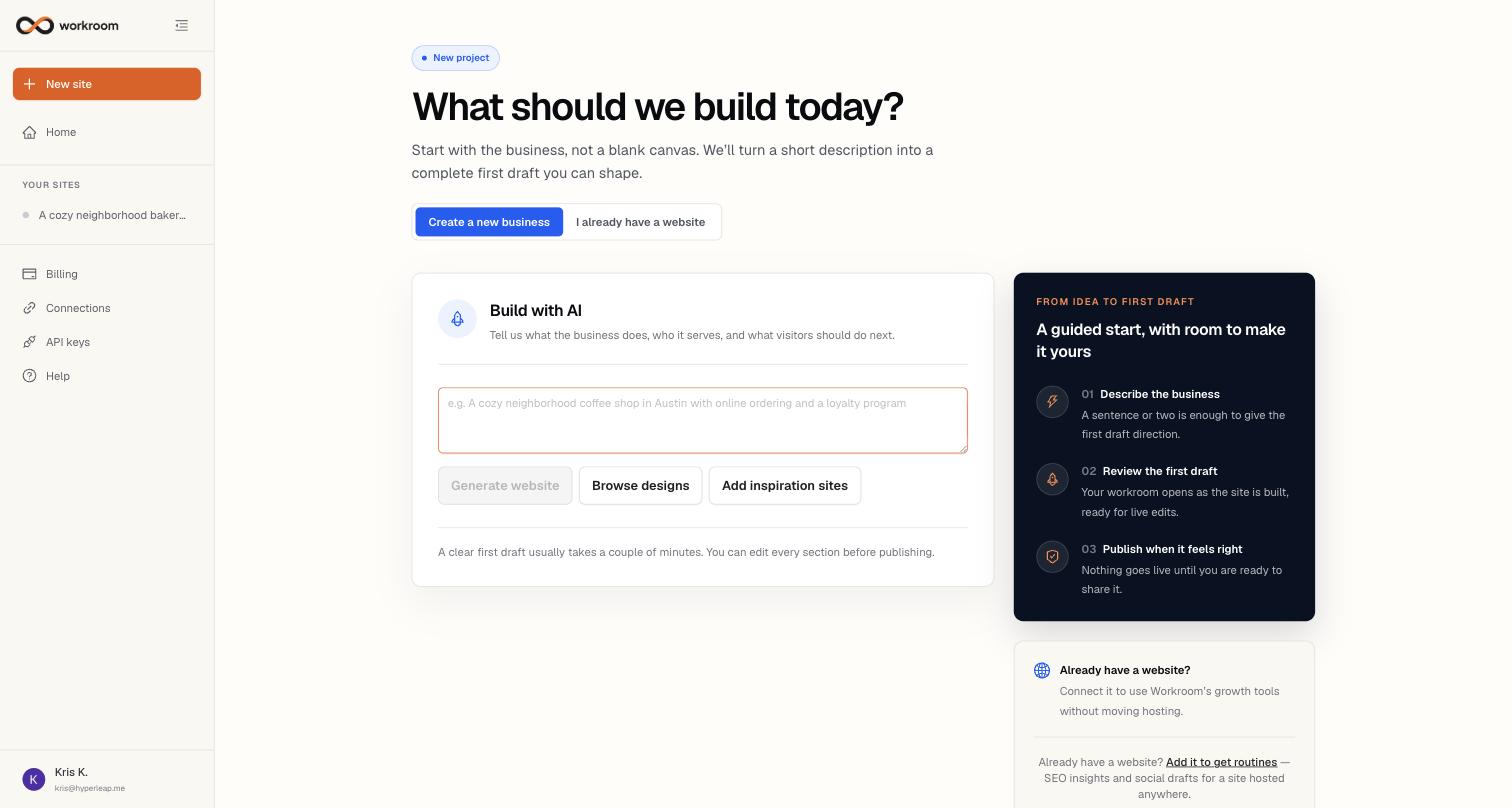
Refreshing your site
- Click New site, then Refresh my website.
- Enter your current site's address (e.g. yourwebsite.com). Optionally add notes — a service to add, a page to drop, a different tone.
- Click Refresh my website. You'll land in the Build view and watch the site being read, planned, and rebuilt — a first draft usually takes a couple of minutes.
- Review the draft and ask for changes in chat, exactly as with a new site.
- When you're happy, connect your domain under Domains and switch it over. Until then your current site stays live and untouched.
What carries over — and what doesn't
Facts carry over: the business name, what you offer, prices, testimonials, hours, address, phone, email, and social links found on the current site. The design does not — the new site gets a fresh visual system, clearer structure, and a contact form on the homepage. Pages that were thin or duplicated are folded into stronger ones, which is why a refresh caps at five pages.